 When your download completes, double-click PrivateWifi.dmg under your Downloads button to install Private WiFi.
 When your download completes, select "Open" next to the PrivateWiFi installer to install Private WiFi.
 When your download completes, click on the PrivateWifi installer under your Downloads button to install Private WiFi.
 When your download completes, click on the "Run" button next to PrivateWiFi.exe to install Private WiFi.
We’re glad to see that you want to try
Private WiFi for PC.
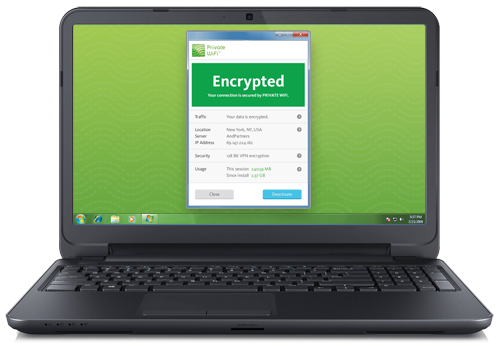
To add this device, download and install the Private WiFi software.

X
Download your FREE 10-day trial

Download your FREE 10-day trial
of Private WiFi for your PC
Enter your email address and then click Download below so we can activate your
trial and send you instructions how to protect ALL of your devices.
We will never share your email address with any 3rd party. View the Private WiFi Privacy Policy.
We also invite you to try Private WiFi on your other devices.

Just return to privatewifi.com/add-more-devices
on any other device you wish to try.
We also invite you to try
Private WiFi on your other devices.
Just return to
privatewifi.com/add-more-devices
on any other device you wish to try.